Type it. Watch it move.
Generate, edit, animate, upscale and cut out backgrounds — the whole AI stack in one honest studio. Describe your shot in plain English and Paji Studio directs it.
No card required · No watermark · Commercial use included
- No card to start
- Cancel anytime
- NZ-owned
Everything you can make
Generating, editing, animating, upscaling, background removal — and now voiceovers and talking avatars — the tools you'd normally juggle across a stack of subscriptions, all in one place on the same shared credits.
- from 1 credit
Generate images
Fast drafts, Quality finals, or FLUX Pro for premium hero stills — any aspect ratio.
- 5 credits
Posters with real text
Ideogram writes legible words straight into the image — headlines, signs, thumbnails.
- 5 credits
Edit by instruction
Change anything with a sentence — 'make it night', 'remove the wires', 'add a jacket'.
- 2 credits
Remove the background
One tap lifts your subject onto clean transparency — ready to drop into any composite.
- from 12 credits
Animate a still
Turn any image into a moving shot — Wan, Kling or Seedance bring it to life, up to full-HD 1080p.
- from 12 credits
Text to video
Describe a clip in plain English and get cinematic motion straight from words.
- 4 credits
Upscale 2–4×
Sharpen any shot to crisp, print- and client-ready resolution in a single tap.
- from 8 credits
Speak it
Turn any script into natural speech — pick a stock voice, or clone your own once (240 credits) and reuse it forever.
- from 110 credits
Talking avatar
Your photo plus your voice becomes a lip-synced presenter that says your script — ready to post.
- FLUX
- FLUX Pro
- Ideogram
- Wan 2.2
- Kling 2.1 Standard & Pro (1080p)
- Seedance 1.0 Pro (up to 1080p)
- Real-ESRGAN
- BiRefNet
Plus leading speech and lip-sync engines behind voiceovers, voice cloning and talking avatars.
One sentence in. This out.
Every frame below is a real AI generation from the exact prompt shown — no stock photos, no retouching. Hover or tap any shot to see what was typed.
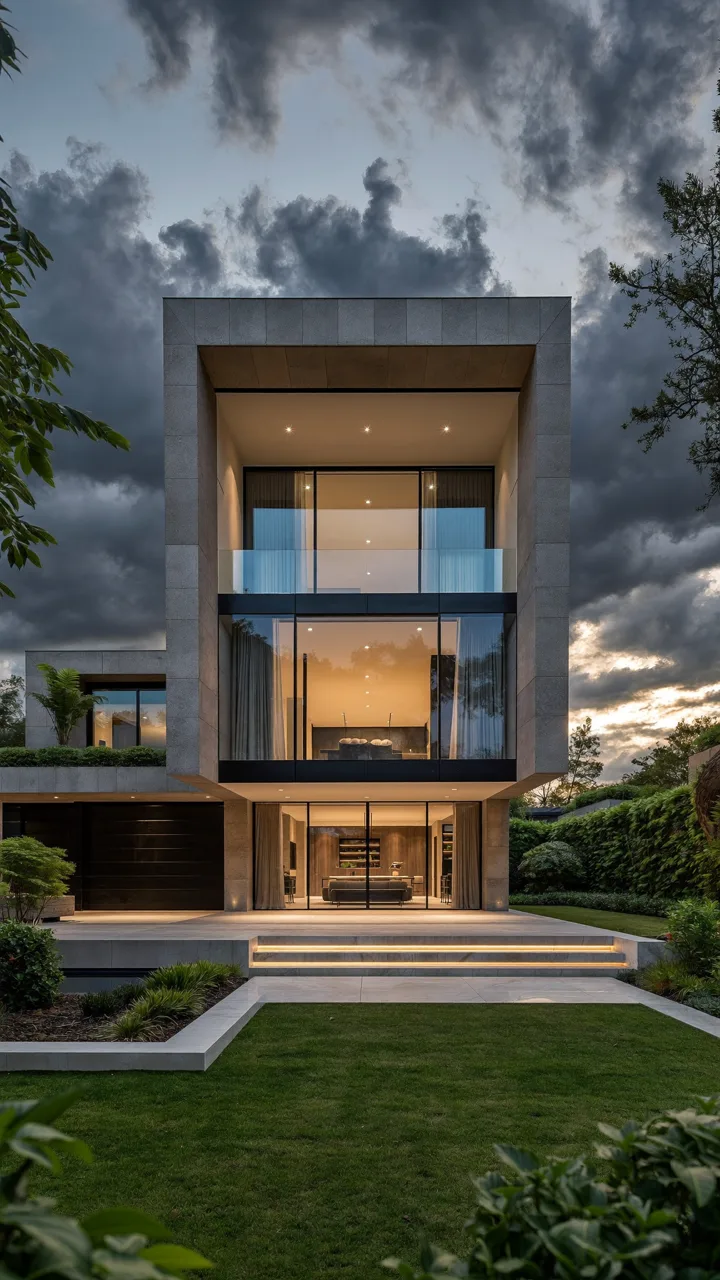 Real estate
“stunning modern architectural home in Auckland at golden hour, floor-to-ceiling glass glowing warm from within”
Image · from 1 credit
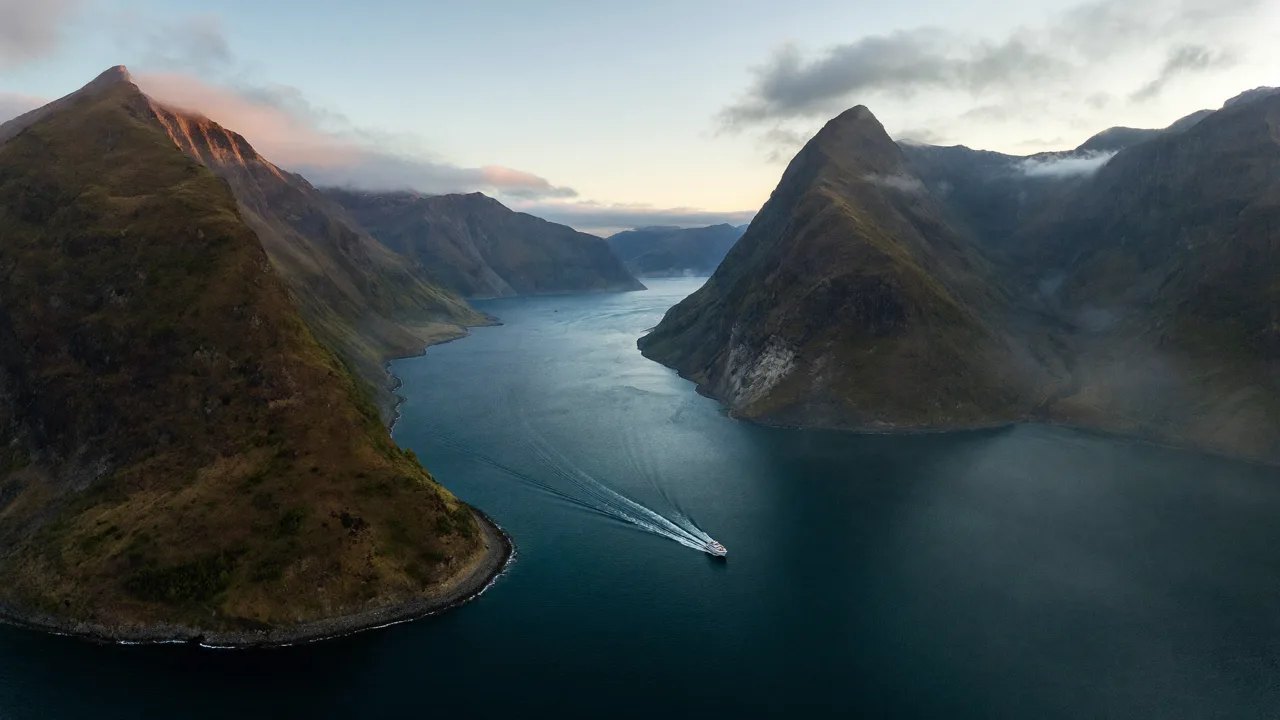 Travel & tourism
“aerial drone view of Milford Sound at dawn, low mist over dark water, a single boat leaving a silver wake”
Image · from 1 credit
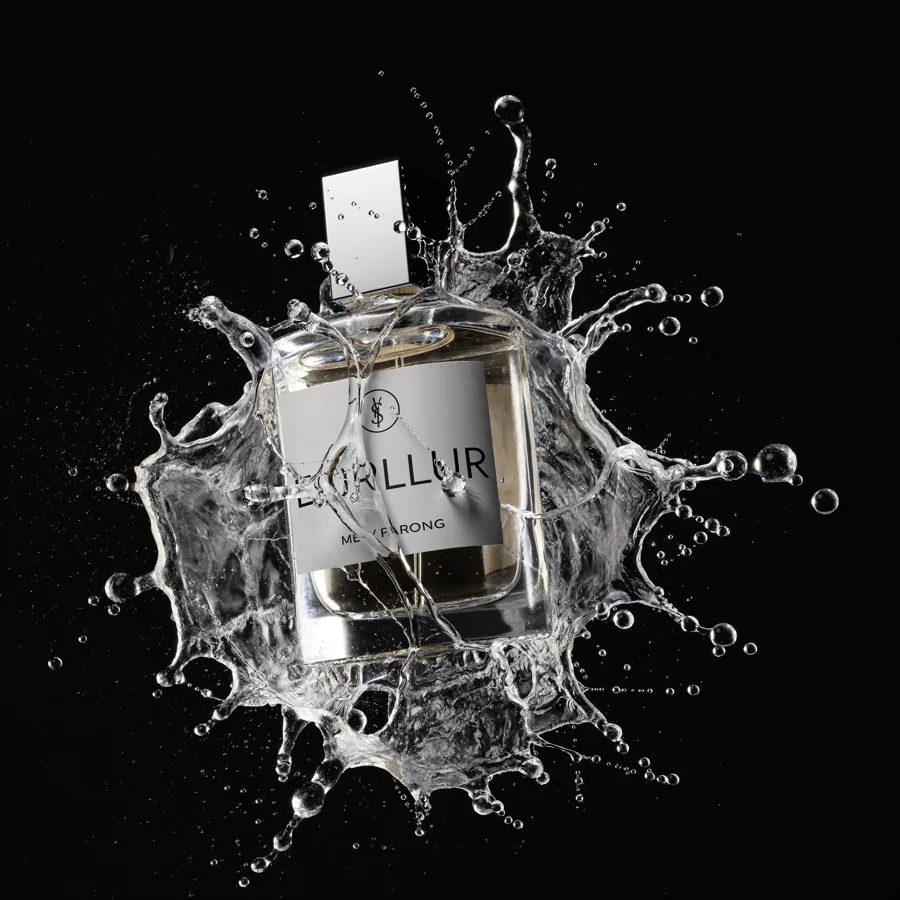 Product & ads
“luxury perfume bottle frozen in an explosion of crystal-clear water splash, black studio background”
Image · from 1 credit
 Portraits & fashion
“golden-hour portrait, warm backlit rim light, 85mm lens, creamy bokeh, magic-hour cinematic warmth”
Image · from 1 credit
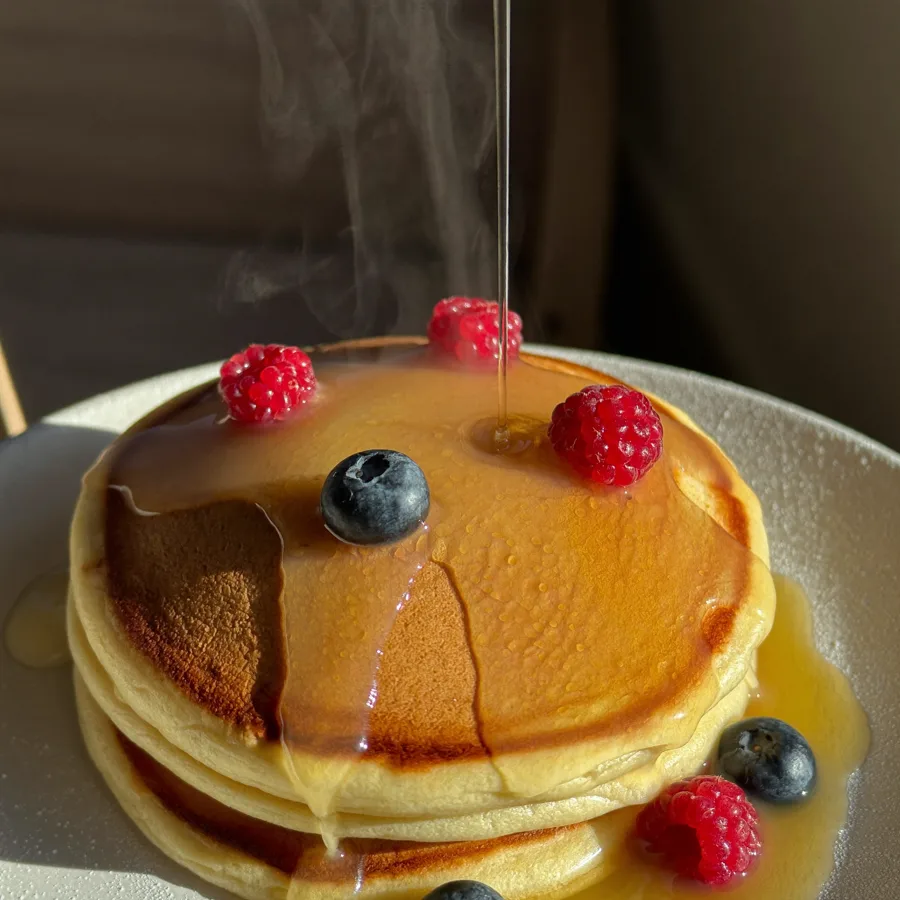 Food & hospitality
“macro shot of golden honey pouring over fluffy pancakes with fresh berries, warm morning window light”
Image · from 1 credit
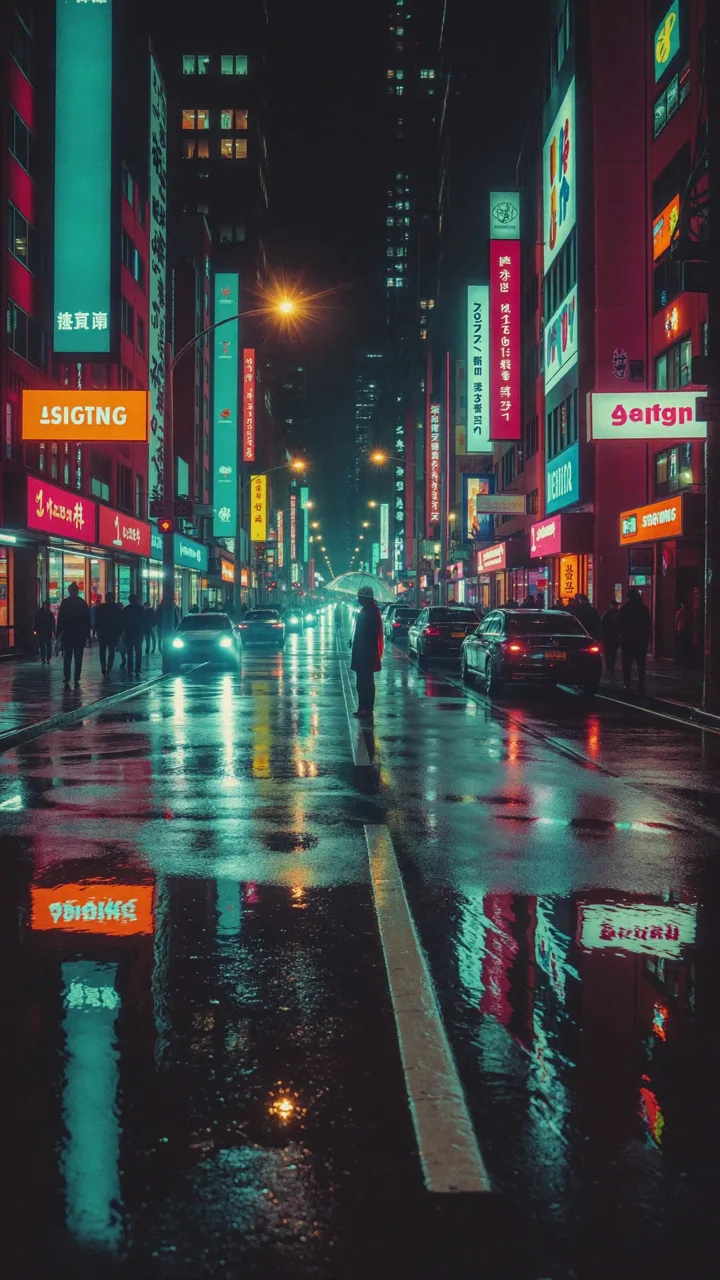 Music & film looks
“rain-soaked neon city street at night, a lone figure with a transparent umbrella, teal and magenta”
Animate it · from 12 credits
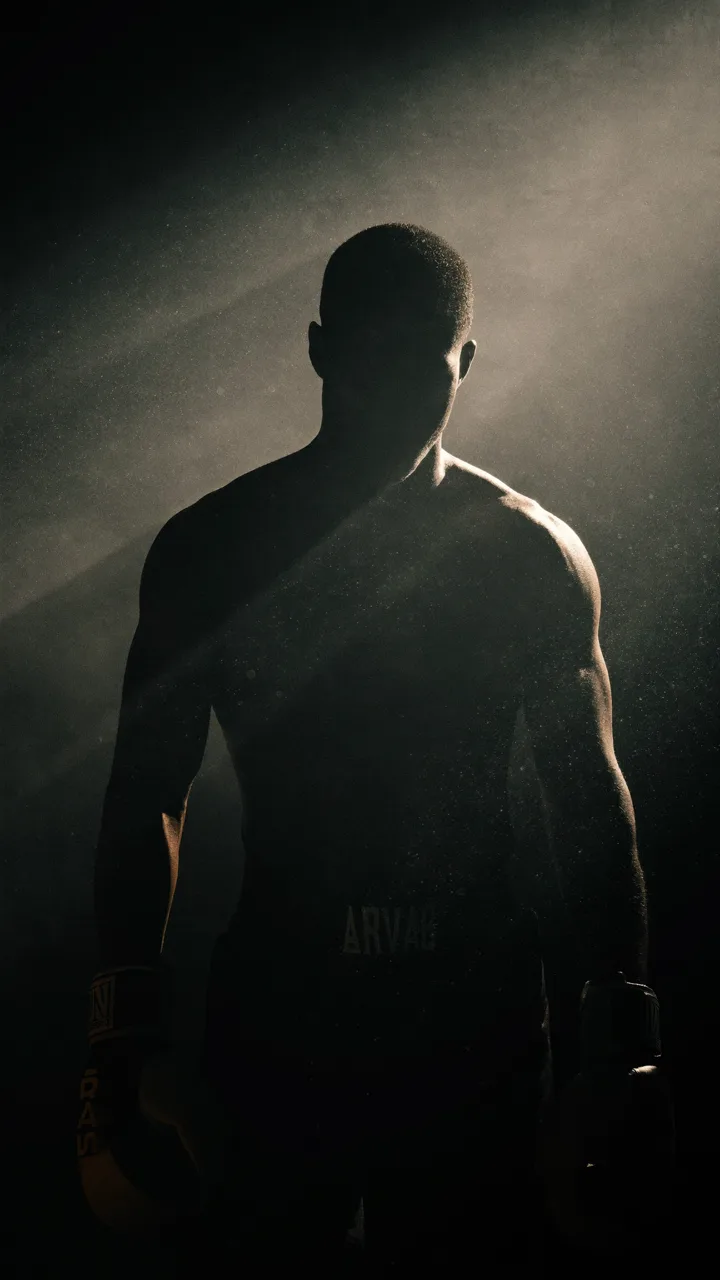 Sports & campaigns
“dramatic silhouette of a boxer in a dark gym, backlit by a single shaft of light through haze”
Animate it · from 12 credits
 Automotive & brand
“sleek futuristic electric concept car in a minimalist white studio, sweeping light reflections”
Image · from 1 credit
How it works
Three steps from a sentence to a finished, downloadable shot — no timeline, no jargon.
- 1
Describe it
Type your shot in plain English — or tap Surprise me and let Paji spark the idea for you.
- 2
The Director makes it cinematic
One free tap rewrites your words into a camera-aware, cinematic prompt — lens, light and motion.
- 3
Generate, upscale, animate, download
Render it, sharpen with one-tap upscale, animate the still into motion, then download — watermark-free.
Your own AI presenter in four steps
A portrait, your cloned voice and a script become a lip-synced presenter — the whole pipeline in one studio, no extra subscriptions.
- 1
Generate a portrait
Or upload your own photo — any clear, front-facing portrait works. From 1 credit.
- 2
Clone your voice once
Record a short sample of your own voice. One-time 240 credits — then it's saved and reusable forever.
- 3
Type the script
Write what your presenter should say — or start with speech only, from 8 credits per script.
- 4
Make it speak
The studio lip-syncs your voice to your portrait and renders a talking video, from 110 credits.
Typical avatar and voice platforms are subscription-first — entry tiers commonly run US$24–30 a month whether you publish or not. Here it's pay-per-use credits (packs never expire), consent-first — your own voice and likeness, or documented permission — and the whole pipeline, from generating the portrait to the finished talking video, lives in one studio.
Cinematic, without the complexity
Everything the pros charge extra for — the direction, the honesty, the ownership — built in from the first credit.
The Director — free prompt enhancer
Type it plainly. One tap turns "dog on a beach" into a cinematic, camera-aware prompt. Always free, never a credit.
Honest pricing, shown before you spend
Every shot shows its exact credit cost up front. No mystery meters, no surprise burn — you decide, then you generate.
Credit packs never expire
Buy a pack once and it waits for you. No monthly reset wiping the credits you already paid for.
No watermark, commercial use
Everything you make is yours to publish and sell — clean, unbranded, ready for clients on every plan.
One-tap "Animate this"
Love a still? Turn it into a moving shot in a single tap — your image becomes the first frame of a video.
Works on your phone
Built mobile-first. Describe, generate, download and share a cinematic clip from the palm of your hand.
Made with Paji Studio
The same toolset, put to work. Tap through to see how it fits your world.
Real estateA listing reel from a photo
Generate the hero frame, animate a slow dolly-in, upscale, done — before the open home.
See howE-commerceA product ad without a studio
Studio-grade product shots, background removed for clean composites, no photographer.
See howCreatorsA thumbnail with real text
Poster model writes your title into the frame, then animate the scene for the intro.
See howFaceless channelsEndless b-roll, on tap
Spin up cinematic establishing shots and motion clips for narration-led videos, for cents.
See howSee the cost before you spend it
No hidden meters. Here is exactly what each shot costs — the same numbers you'll see live in the app.
| Model | Cost |
|---|---|
Image · Fast Quick drafts and iterations — great for exploring ideas. | 1 credit |
Image · Quality Sharp, high-fidelity stills ready to publish. | 4 credits |
Image · Pro Premium FLUX Pro hero stills — your best-looking frame. | 6 credits |
Image · Poster Real, legible text in your image — thumbnails, posters, logos. | 5 credits |
Image · Edit Describe a change — swap the background, add an object — done. | 5 credits |
Image · Cutout Remove the background instantly — clean transparent PNG. | 2 credits |
Image · Upscale Turn any shot into crisp 2–4× high resolution. | 4 credits |
Video · Fast Speedy motion clips from a prompt or your image. | 12 / 5s · 24 / 10s |
Video · Quality Cinematic, high-detail video for the hero cut. | 35 / 5s · 70 / 10s |
Video · Kling 2.1 Fluid, lifelike motion — brings your image alive naturally. | 45 / 5s · 90 / 10s |
Video · Kling 2.1 Pro Flagship full-HD 1080p animation — Kling motion at its most lifelike. | 75 / 5s · 150 / 10s |
Video · Seedance Sharp, dynamic action shots with crisp subject motion. | 50 / 5s · 100 / 10s |
Video · Seedance 1080p Seedance action in full-HD 1080p — maximum detail for the hero cut. | 110 / 5s · 220 / 10s |
Voice · Speak Studio-grade narration from any script — pick a voice or use your own clone. | from 8 credits |
Voice · Clone Clone your voice once from a 10–60s sample — then narrate anything, forever. | 240 credits · one-time |
Avatar · Talk Turn any portrait into a lip-synced talking presenter — your on-screen twin. | from 110 credits |
Credits are shared across images and video — spend them however you like.
How Paji Studio compares
An honest look at Paji Studio versus a typical premium AI studio entry tier.
Comparisons reflect typical publicly advertised entry-tier terms and can change — check each provider's current plan.
Simple, fair pricing
Start free with 60 credits. Subscribe for a monthly top-up, or buy a pack that never expires — no subscription needed.
What does NZ$19 actually get you?
800 credits a month, split however you like. Slide to see the mix.
Estimate at fast-tier rates. Higher-quality engines cost more per shot — the exact price always shows before you generate.
Paji Studio — monthly
Cinematic AI images & video — typed in plain English.
- 800 credits topped up every month
- No watermark · full commercial use
- The Director prompt enhancer, free
- Cancel anytime
…or top up without subscribing
Built for your industry
The same studio, tuned to the shots your work actually needs.
Questions, answered
Can this replace my other AI tools?
That's the idea. Generate images (fast, quality and FLUX Pro), write real text into posters with Ideogram, edit any image by instruction (5 credits), remove backgrounds in one tap (2 credits), animate a still into video, generate video from text, upscale 2–4× — and now turn scripts into natural speech (from 8 credits), clone your own voice, and render lip-synced talking avatars — all in one place, all metered honestly on the same shared credits. One studio instead of a stack of single-purpose subscriptions.
What are credits?
Credits are how you pay for what you generate. A fast image is 1 credit; a quality image is 4; a FLUX Pro image is 6; a poster with text is 5; an instruction edit is 5; a background removal is 2; an upscale is 4; a 5-second fast video is 12 and a cinematic 5-second video is 35. Speech from a script starts at 8 credits, cloning your own voice is a one-time 240 credits, and a lip-synced talking avatar starts at 110 credits. The exact cost is always shown before you press generate.
What's new?
Voice and talking avatars. Turn any script into natural speech (from 8 credits), clone your own voice once (240 credits) and reuse it forever, and pair a portrait photo with your voice for a lip-synced talking presenter (from 110 credits) — alongside FLUX Pro generation, Ideogram posters with real text, instruction editing, background removal, upscaling, batch variations, favourites and remix. All built in, no extra setup.
Do credits expire?
Credit packs never expire — buy them once and use them whenever. Your monthly plan tops you up with a fresh allowance each month, and any packs you buy sit alongside it.
Can I use what I make commercially?
Yes. Everything you generate is watermark-free and yours to use commercially — publish it, sell it, or hand it to a client on any plan.
How is it so cheap?
Paji Studio runs a curated roster of leading open and pro models — FLUX Pro, Kling and Seedance among them — on efficient infrastructure, and passes the savings straight to you instead of charging premium subscription markups.
What models power it?
A curated roster of leading open and pro engines, picked per job. Images: FLUX for fast and quality stills, FLUX Pro for premium heroes, and Ideogram for posters with real text. Editing and cutouts: instruction editing plus BiRefNet background removal. Video: Wan 2.2 for quick and cinematic motion, Kling 2.1 Standard & Pro (full-HD 1080p) for lifelike image animation, and Seedance 1.0 Pro — in 720p or full-HD 1080p — for sharp action. Upscaling uses Real-ESRGAN. Voiceovers, voice cloning and talking avatars run on leading speech and lip-sync models. You choose the engine per job and the exact credit cost shows before you generate.
Which video model should I choose?
Match the engine to the shot. Video · Fast is best for quick drafts and social clips; Video · Quality for cinematic hero cuts; Kling 2.1 for lifelike, natural motion when animating a still image — step up to Kling 2.1 Pro for the same motion in full-HD 1080p; and Seedance for sharp, dynamic action, with a 1080p option when the hero cut demands maximum detail. Every option shows its credit cost up front, so you trade speed for polish shot by shot.
Can I clone my voice?
Yes — your own voice. Record a short sample, pay a one-time 240 credits, and your cloned voice is saved to your account to reuse on any script. It's consent-first: clone your own voice, or someone else's only with their documented, explicit permission — never without it. See the content policy for the full rules.
Can I make a talking avatar?
Yes. Upload a portrait photo — or generate one in the studio — pick a stock voice or your own clone, type the script, and the studio renders a lip-synced talking video from 110 credits. Use your own likeness, or a real person's only with their explicit permission, and label AI-generated presenters in ads — most platforms require it.
Who owns the content, and can I use my own photos?
You own what you generate — outputs are watermark-free and yours to publish and sell. If you upload your own image to animate, only upload images you have the rights to, and never create content that impersonates a real person or produces deepfakes. See our content policy for the full acceptable-use rules.
Can I cancel anytime?
Yes. The monthly plan is cancel-anytime from your account, and one-off credit packs are just that — one-off, with nothing recurring.
Read the full Paji Studio content policy for ownership, commercial use and prohibited content.
Paji Studio is part of the amit.marketing suite — 58 free browser tools, the PDF App and Paji Scan, no signup.
Your first cinematic shot is free
Describe it in plain English. Watch Paji Studio direct it. No card, no watermark, no catch.
Start free — 60 creditsYou own everything you make. By generating you agree to the content policy — no real-person deepfakes or unlawful content.